Zhenyuelu Image Post Test
Use Cases
This article is used to verify that StreamX can publish image-based Markdown content correctly, including body text, relative image paths, and matching Chinese and English versions. The image is test material and is not intended for production marketing.
Use it when you need to:
- Check whether the hero image in a blog or help article loads correctly.
- Verify image captions, lists, and step layout in the rendered page.
- Confirm that the Chinese and English versions keep the same information structure.
Prerequisites
- The image post content is ready.
- Image files are stored in this document's
assetsfolder. - Markdown image links use relative paths, such as
/help-assets/blog/blog/test-blog-zhenyuelu/assets/zhenyuelu.jpg. - Before syncing to the website, confirm that the test content does not include real accounts, tokens, email addresses, phone numbers, or other sensitive data.
Steps
- Open the StreamX admin site.
- Go to the content management page.
- Create a new blog post or help center article.
- Enter the title, summary, and body.
- Insert the image in the body and keep the relative path.
- Save the draft and preview the Chinese version.
- Switch to the English version and confirm that it follows the same structure.
- After the image, title, and body layout look correct, publish the article.
Image Layout Check
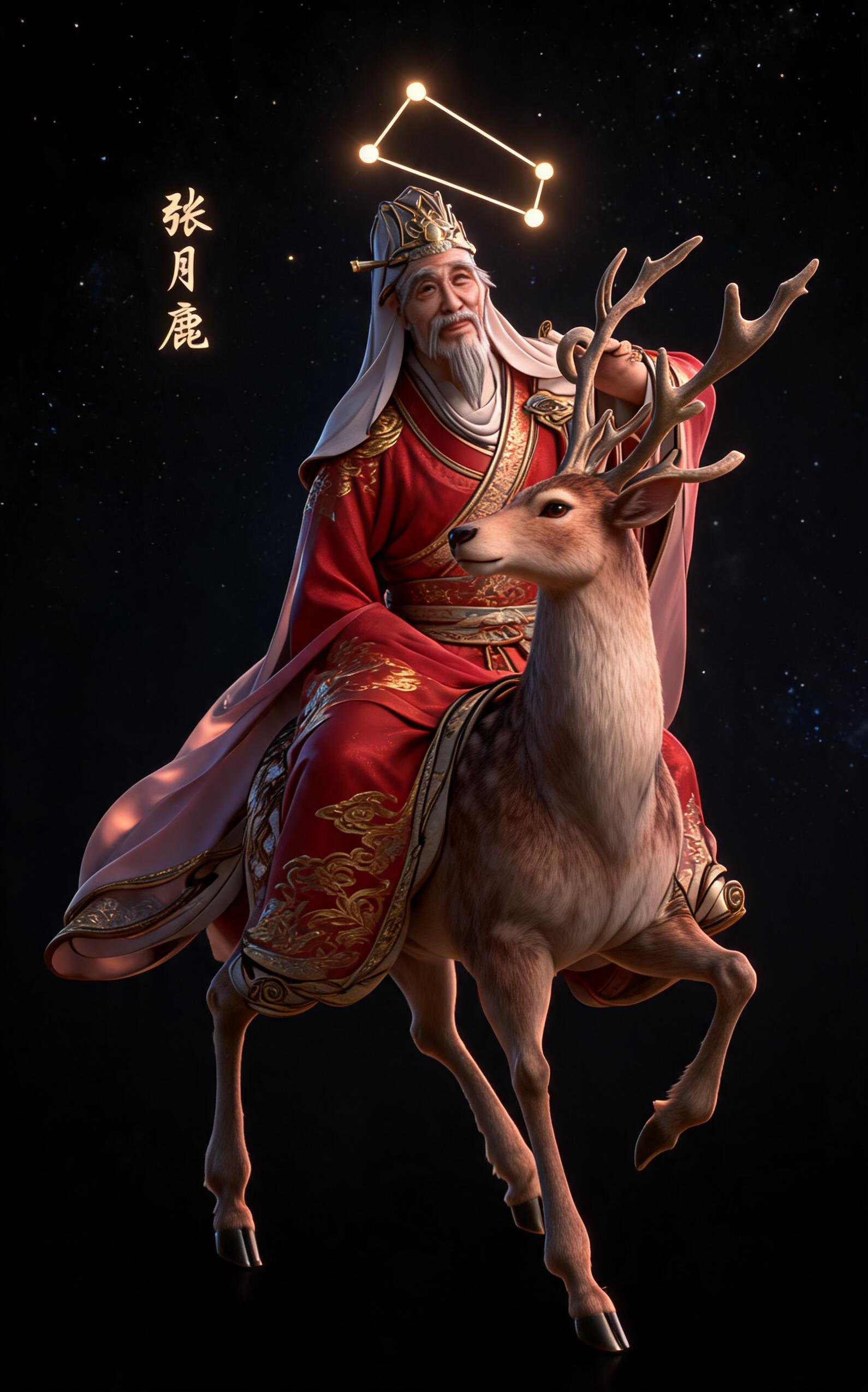
The image should appear at the top of the body. Use it to confirm first-image loading, responsive width, and mobile rendering. Body text should keep a clear structure and should not overlap with the image, heading, or lists.
After publishing, check:
- The image loads successfully.
- Body spacing below the image looks normal.
- List items render from the Markdown structure.
- Both Chinese and English pages open correctly.
FAQ
What should I do if the image does not appear?
Check that the image exists in the current document's assets folder, then verify that the Markdown image link is a relative path. Do not write server absolute paths in the source Markdown file.
Can I store the image in another document folder?
This is not recommended. Each document should keep its own assets folder so syncing, deletion, and rollback stay predictable.
Should this test content remain published?
If it is only used to verify the sync flow, unpublish or delete it after testing so it does not affect production website content.
Notes
- This is test content, not a production product guide.
- The image path must remain
/help-assets/blog/blog/test-blog-zhenyuelu/assets/zhenyuelu.jpg. - Upload or copy image assets before syncing the Markdown body.
- If the image file name changes, update both Chinese and English Markdown references.